

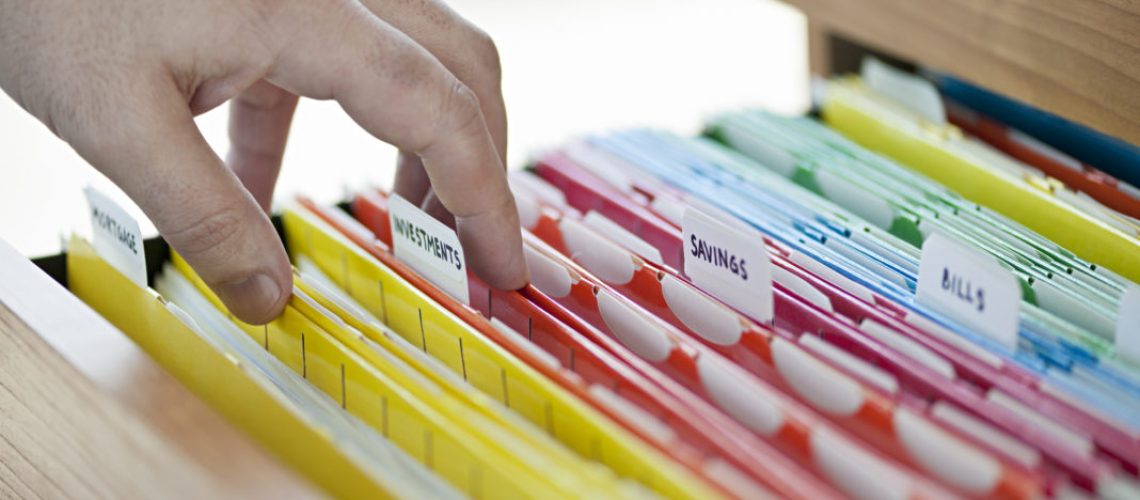
Managing family documents can quickly become stressful when important papers are scattered across drawers, bags, email accounts, phones, and different rooms in the house.
Birth certificates, school records, medical documents, property papers, receipts, insurance information, and financial records may all serve different purposes, yet finding the right document at the right time can become surprisingly difficult.
A simple family document organization system can reduce this stress. It gives every important document a clear place while making it easier for family members to find, protect, and update their records.
Why Family Document Organization Matters
Family documents often contain information that people may need during emergencies, travel, school applications, financial transactions, property matters, or official processes. Losing an important document can lead to delays, additional expenses, and unnecessary frustration.
Organization also helps families avoid keeping several unnecessary copies of the same document. Instead, each document can have a designated physical or digital location.
A good system should be simple, accessible, secure, and easy to maintain. It should work for the entire household rather than depend on one person remembering where everything is.
Start by Identifying Your Important Documents
The first step is to understand what your family actually has. Gather documents from different storage areas and create broad categories.
Common categories include:
- Personal documents: birth certificates, passports, national identification records, and marriage certificates.
- Education: school records, certificates, report cards, transcripts, and examination documents.
- Health: medical records, vaccination records, prescriptions, and health insurance information.
- Finance: bank statements, tax documents, investment records, and major financial agreements.
- Property: house documents, tenancy agreements, land records, utility documents, and maintenance records.
- Insurance: policy documents, renewal information, and claims records.
- Employment: contracts, payslips, pension information, and professional certificates.
- Household records: appliance warranties, major purchase receipts, service agreements, and important bills.
You do not need to keep every piece of paper indefinitely. Separate documents that require permanent storage from those that only need temporary retention.
Create a Physical Filing System
Once the documents are categorized, choose a central location for physical records. A lockable filing cabinet, document box, or secure drawer can work well.
Use clearly labelled folders for each major category. For example, one folder could contain identity documents, while another holds property records.
You can also use subfolders when a category contains many documents. A family with several children might create separate education folders for each child.
Avoid overcrowding folders. If papers become difficult to remove or return, the system will eventually become disorganized again.
Build a Digital Backup
Physical documents can be damaged by water, fire, insects, accidental disposal, or simple misplacement. Creating secure digital copies provides an additional layer of protection.
Important documents can be scanned or photographed clearly and stored in an organized digital folder system. For example:
Family Documents
- Identity
- Education
- Health
- Finance
- Property
- Insurance
- Receipts
- Children
Use meaningful file names instead of leaving files with names such as “IMG_4821.” A name such as Passport_Mum_2026 makes the document much easier to locate.
Digital copies should be protected with strong passwords and appropriate security settings. Avoid storing highly sensitive documents in an unsecured device or publicly accessible folder.
Decide Who Can Access Each Document
Not every family member needs access to every record. Parents or household heads may need access to financial and property documents, while older children may only need access to their school or personal records.
Create access rules based on the sensitivity of the information. The goal is to make documents available to the people who genuinely need them without unnecessarily exposing private information.
For particularly sensitive records, consider using password protection or encrypted storage where appropriate.
Keep an Emergency Document Folder
Every family should have a collection of documents that may be needed quickly during an emergency.
This folder might contain copies of:
- Identification documents
- Emergency contact information
- Insurance details
- Important medical information
- Property or tenancy information
- Key financial contacts
- School and childcare information
- Travel documents
Keep this collection separate from everyday paperwork so that it can be located quickly when necessary.
For security, avoid placing unnecessary sensitive information in an easily accessible emergency folder. A secure summary or controlled-access digital copy may be more appropriate for some records.
Create a Naming and Dating System
Consistency makes organization much easier.
For digital files, use a naming format that includes the document type, person’s name where appropriate, and date. For example:
School_Certificate_David_2025
Insurance_Policy_Family_2026
House_Lease_2026
For physical folders, use labels that are short and easy to understand.
Dates are particularly useful for documents that require renewal. A calendar reminder can help prevent important policies, permits, agreements, or identification documents from expiring unnoticed.
Review the System Regularly
A document organization system is not something you create once and forget.
Set aside time every few months to review the files. Remove unnecessary duplicates, add new records, update outdated information, and check documents with expiration dates.
A short monthly or quarterly review can prevent paperwork from accumulating into a major organizational problem.
You can also create a simple checklist:
- Add new important documents.
- Scan important physical records when appropriate.
- Remove unnecessary duplicates.
- Check upcoming expiration dates.
- Confirm digital backups are accessible.
- Update emergency information.
- Return documents to their designated locations.
Teach the Family How the System Works
An organized filing system becomes much more useful when everyone understands it.
Explain where important documents are stored and how the folders are arranged. Children can gradually learn to organize their own school certificates, activity records, and important achievements.
Older children and adults should also understand basic emergency procedures, including who is responsible for accessing important records.
However, sensitive documents should only be accessible to people who are mature enough and authorized to handle them responsibly.
Protect Documents From Damage
Organization should go together with protection. Keep important physical records away from areas where water leaks, excessive heat, or humidity could damage them. Use protective sleeves or folders for documents that need additional protection.
Digital backups should also be maintained carefully. Keep copies in reliable storage and protect accounts with strong passwords and multi-factor authentication where available.
For especially important records, consider maintaining more than one secure backup location rather than relying entirely on a single device.
Make the System Easy to Use
The best system is not necessarily the most complicated one. A family does not need dozens of folders, complicated software, or an elaborate filing cabinet.
Start with a small number of categories and expand only when necessary.
A useful rule is:
If someone cannot understand where a document belongs within a few seconds, the system may be too complicated.
Simple labels, consistent naming, and a central storage location can make a significant difference.
Conclusion
Creating a family document organization system is a practical way to reduce stress and protect important information. By sorting records into clear categories, maintaining secure physical and digital copies, controlling access, and reviewing the system regularly, families can make important documents easier to find when they are needed.
The key is consistency. Once every document has a clear home, returning it to that location becomes a simple household habit. Over time, this small organizational practice can save valuable time and help families stay prepared for everyday responsibilities and unexpected situations.
